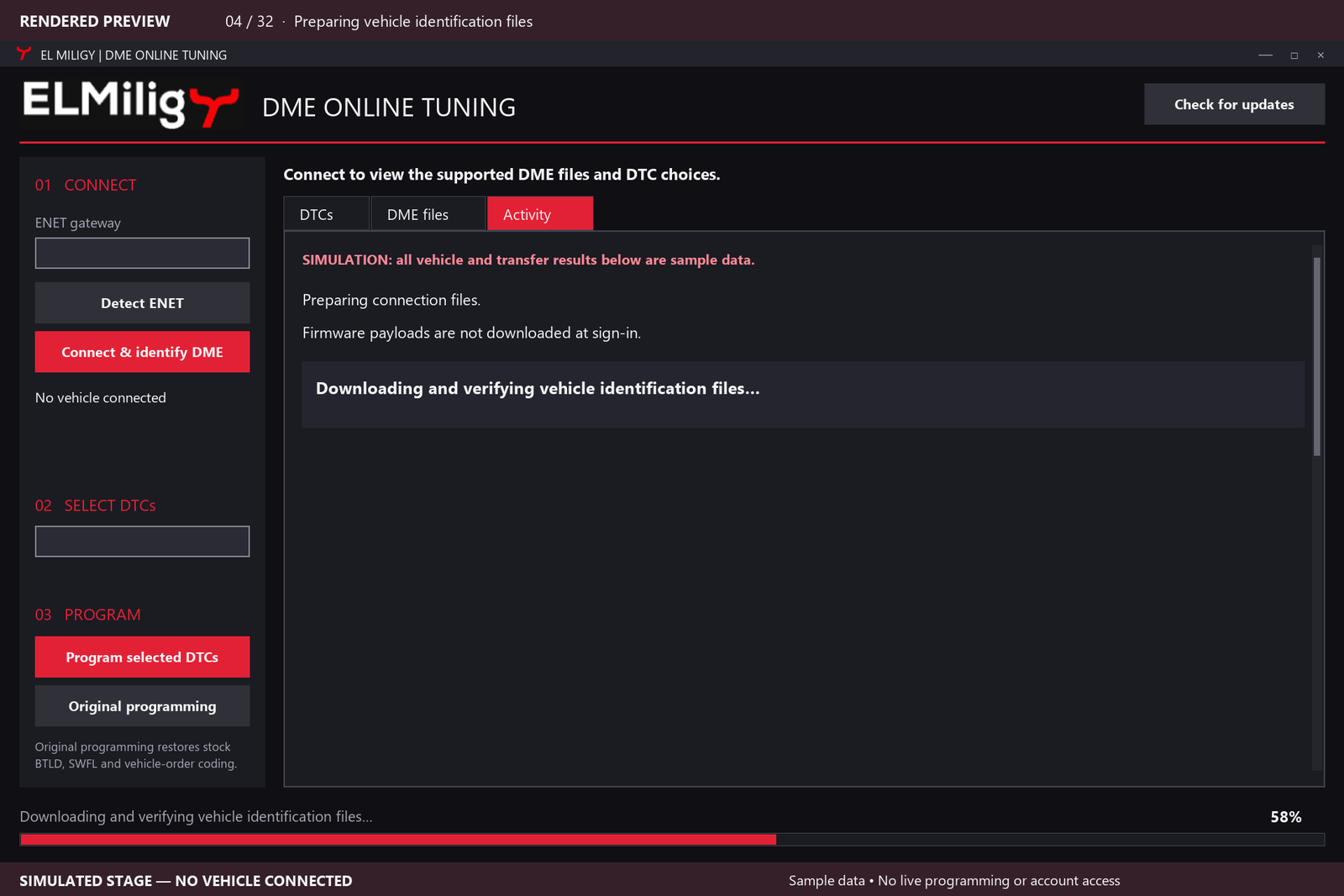
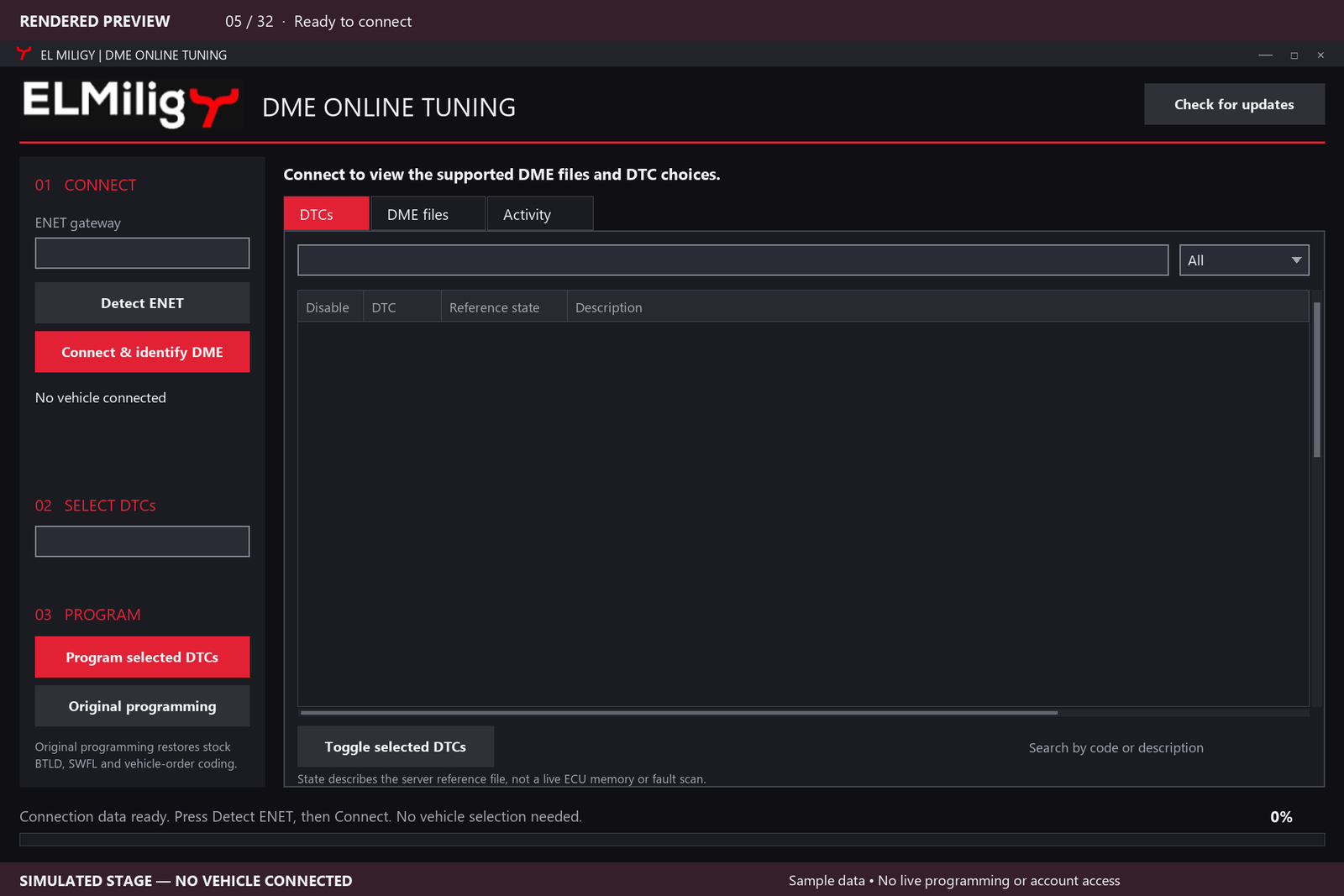
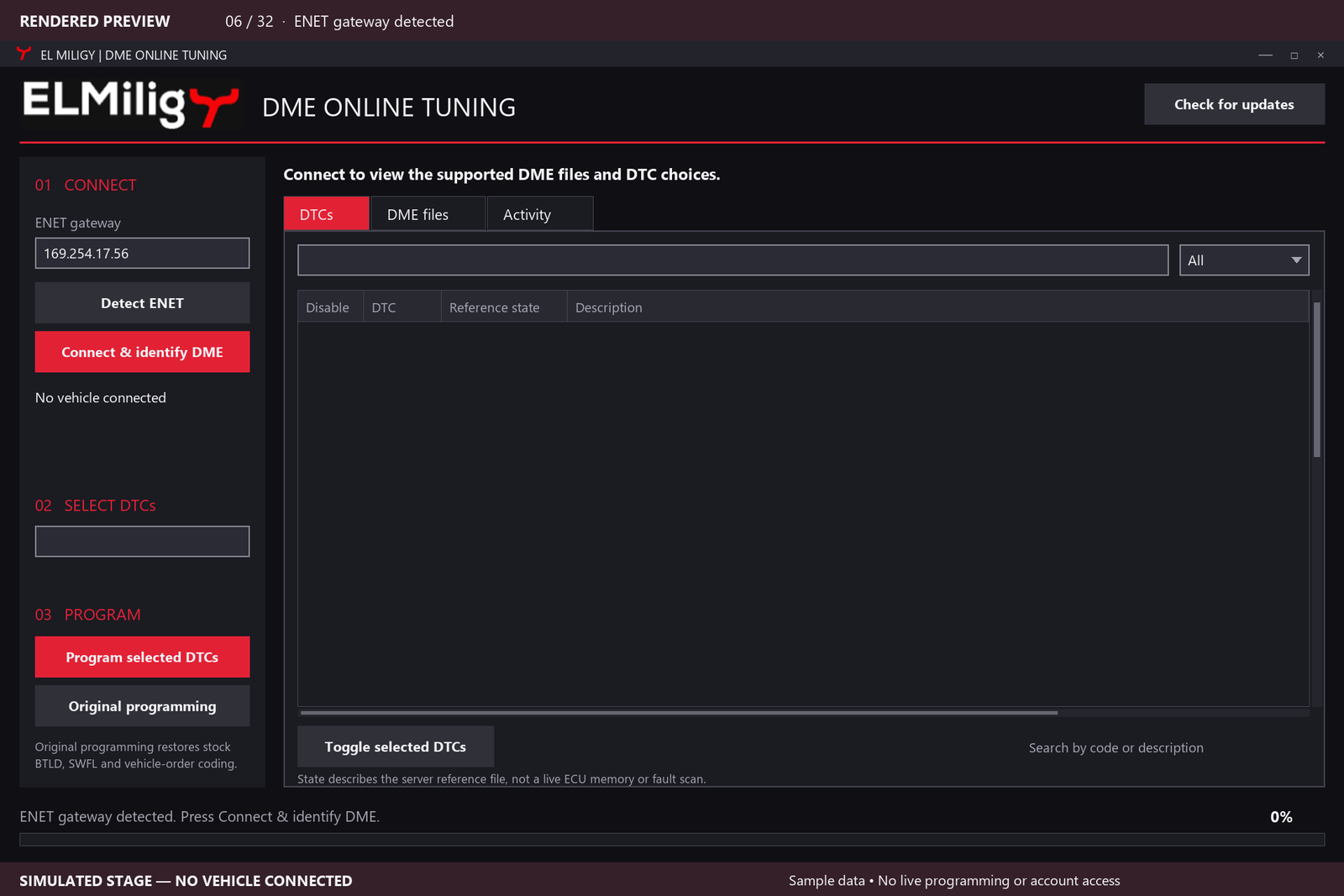
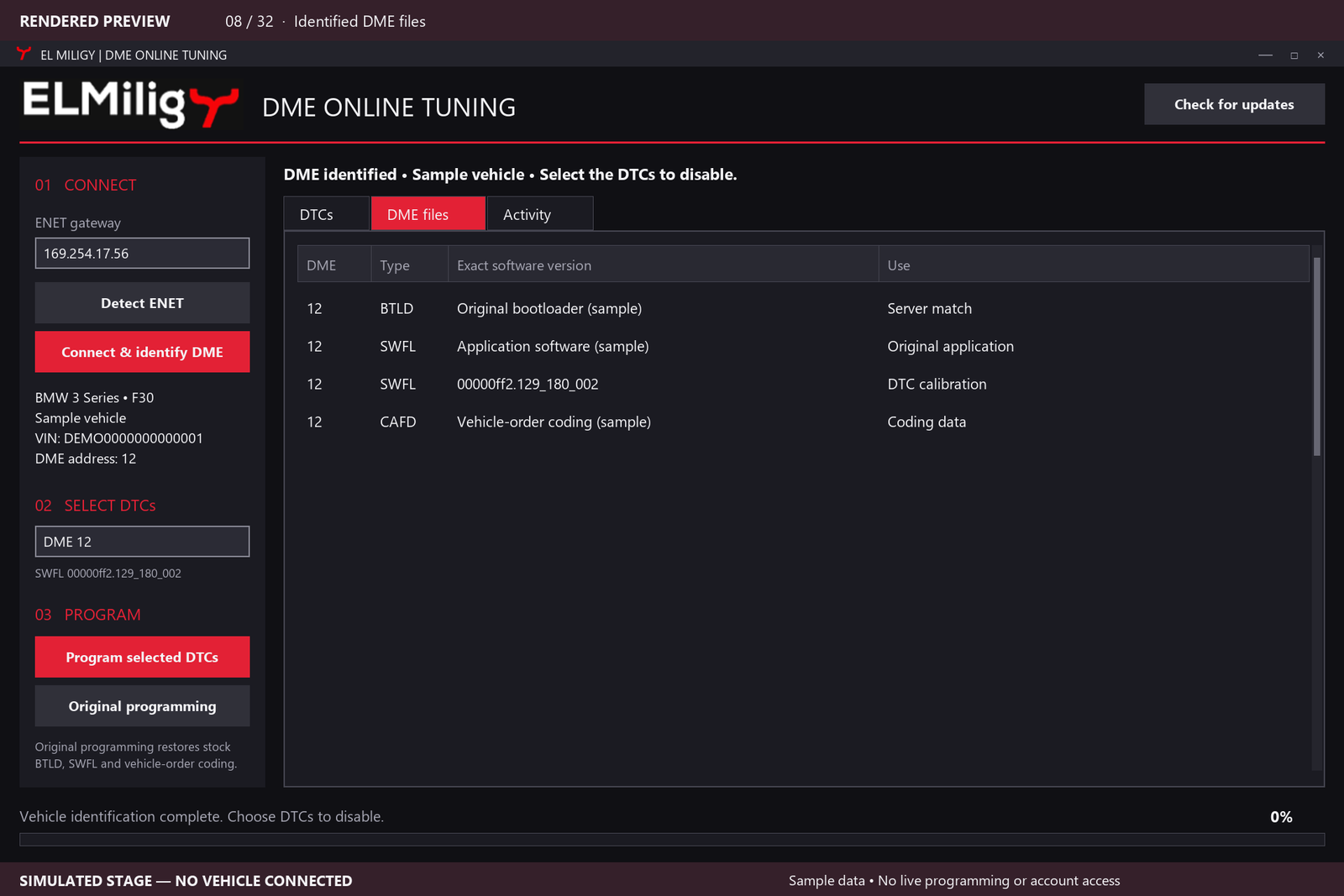
Disable selected supported diagnostic trouble codes in your BMW engine ECU software through an ENET connection, then program the modified software with checksum correction.
Disabling a DTC changes its reporting configuration in the ECU software. Clearing fault memory removes recorded faults. Neither repairs the underlying mechanical or electrical fault.
DME ONLINE · VEHICLE CATALOGUE
Find your vehicle
Browse file-backed vehicle entries for DME Online. Available functions are determined after vehicle identification.
124 vehicle variants
F20 · M135i
N55B30O0 · HATCHBACK · MANUAL · ECE · LL
Recorded build years: 2011, 2012, 2013, 2014, 2015, 2016
Build dates shown are individual catalogue observations, not continuous production or support ranges.
DME ONLINE · 32 INTERFACE PREVIEWS
Inside DME Online
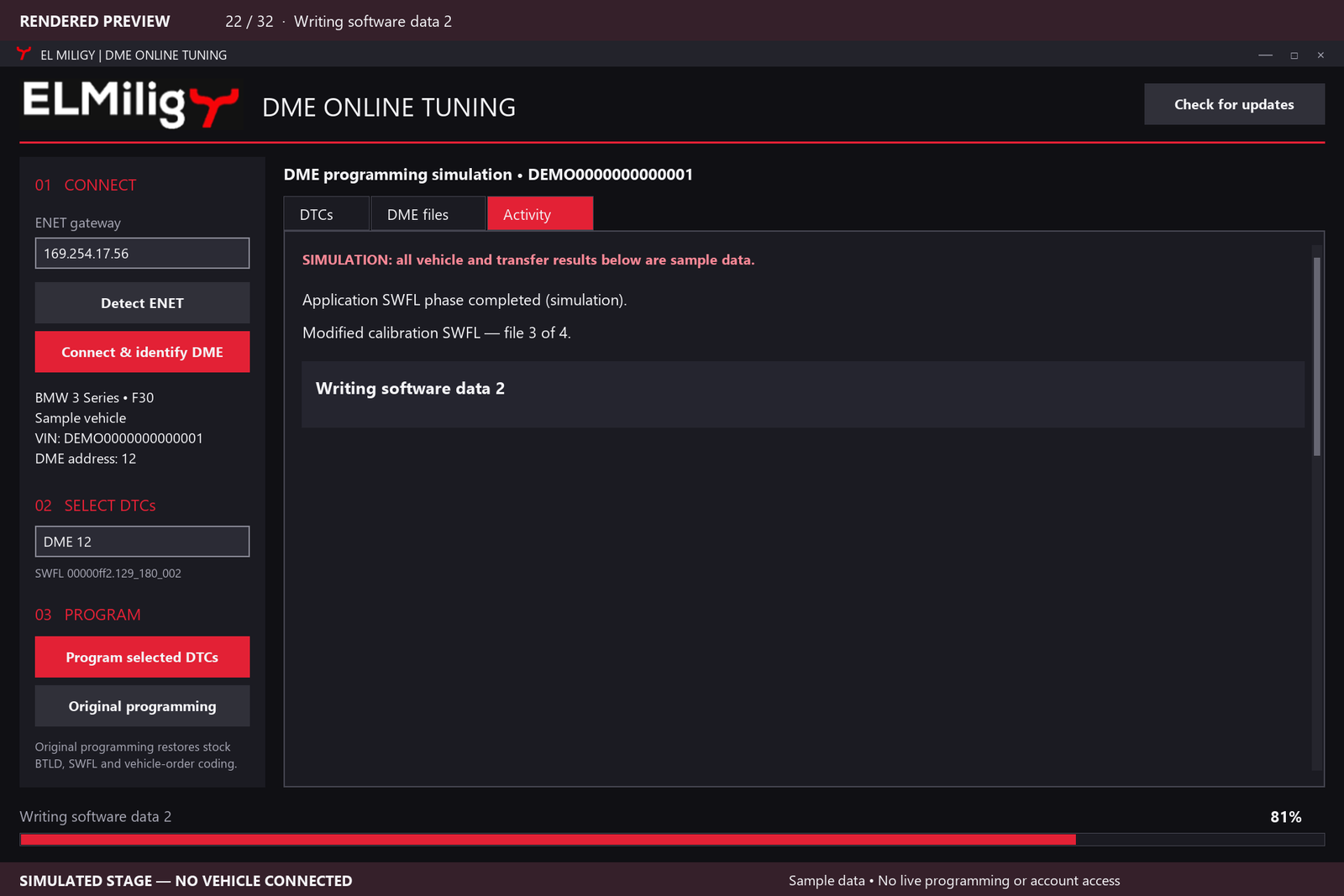
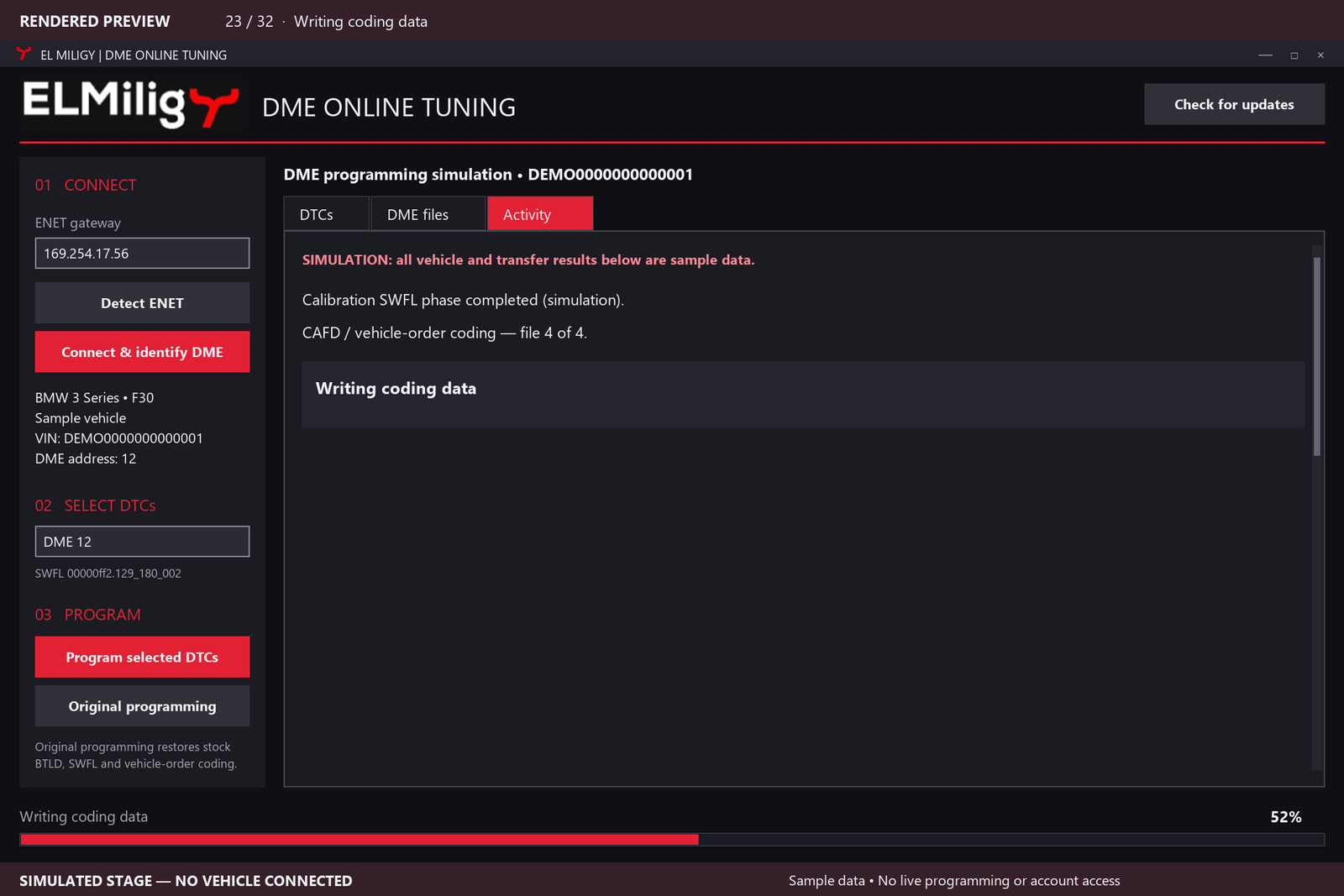
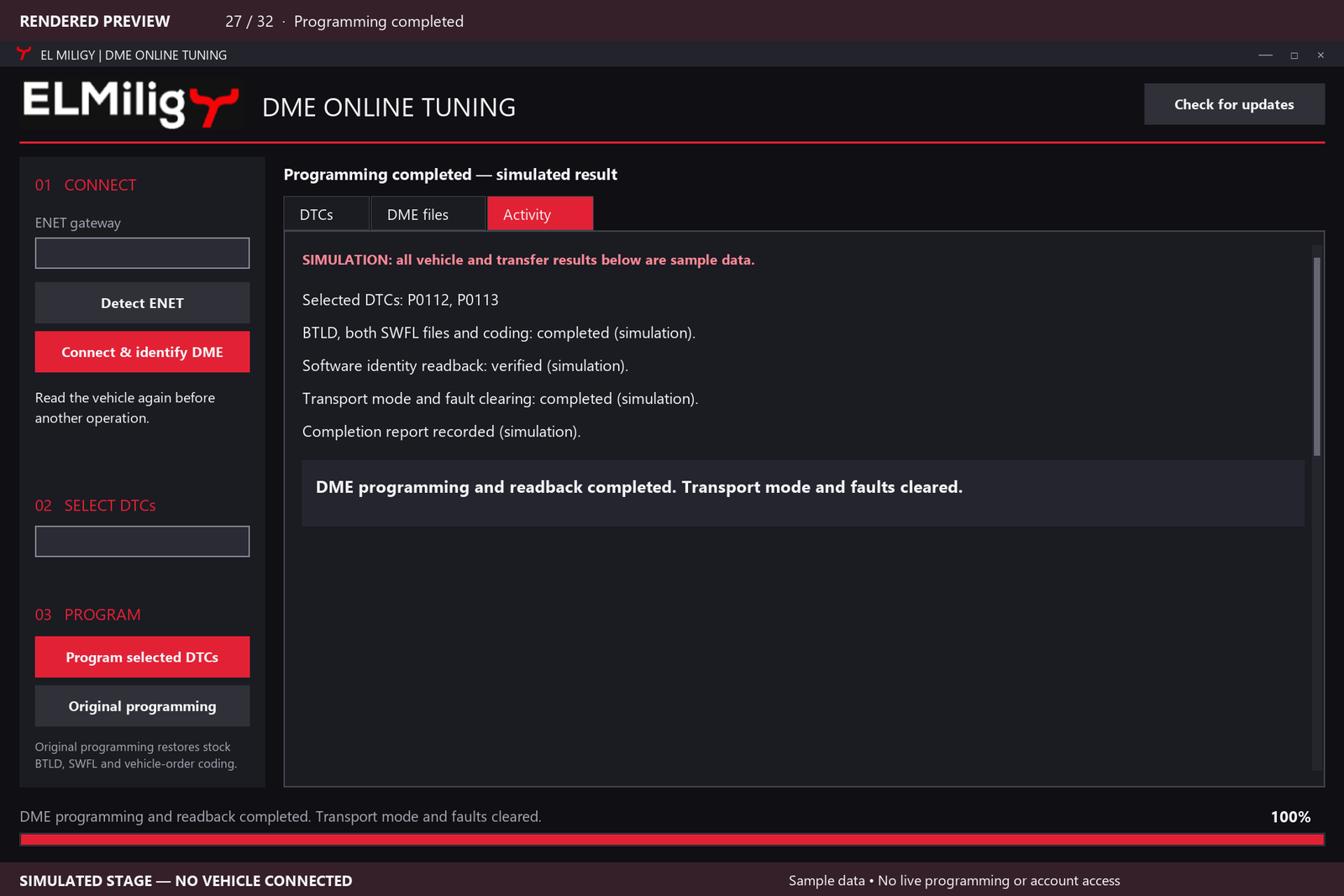
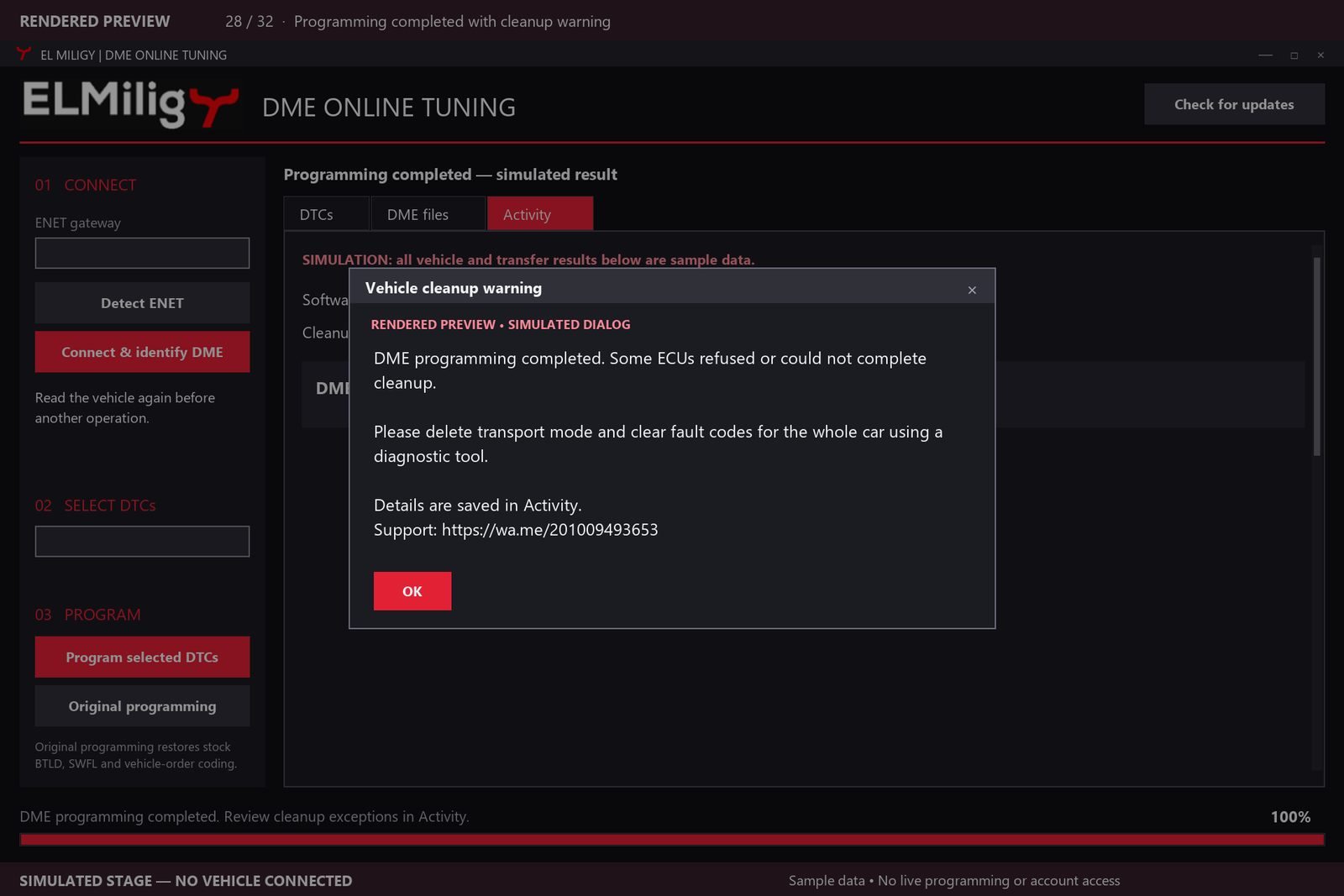
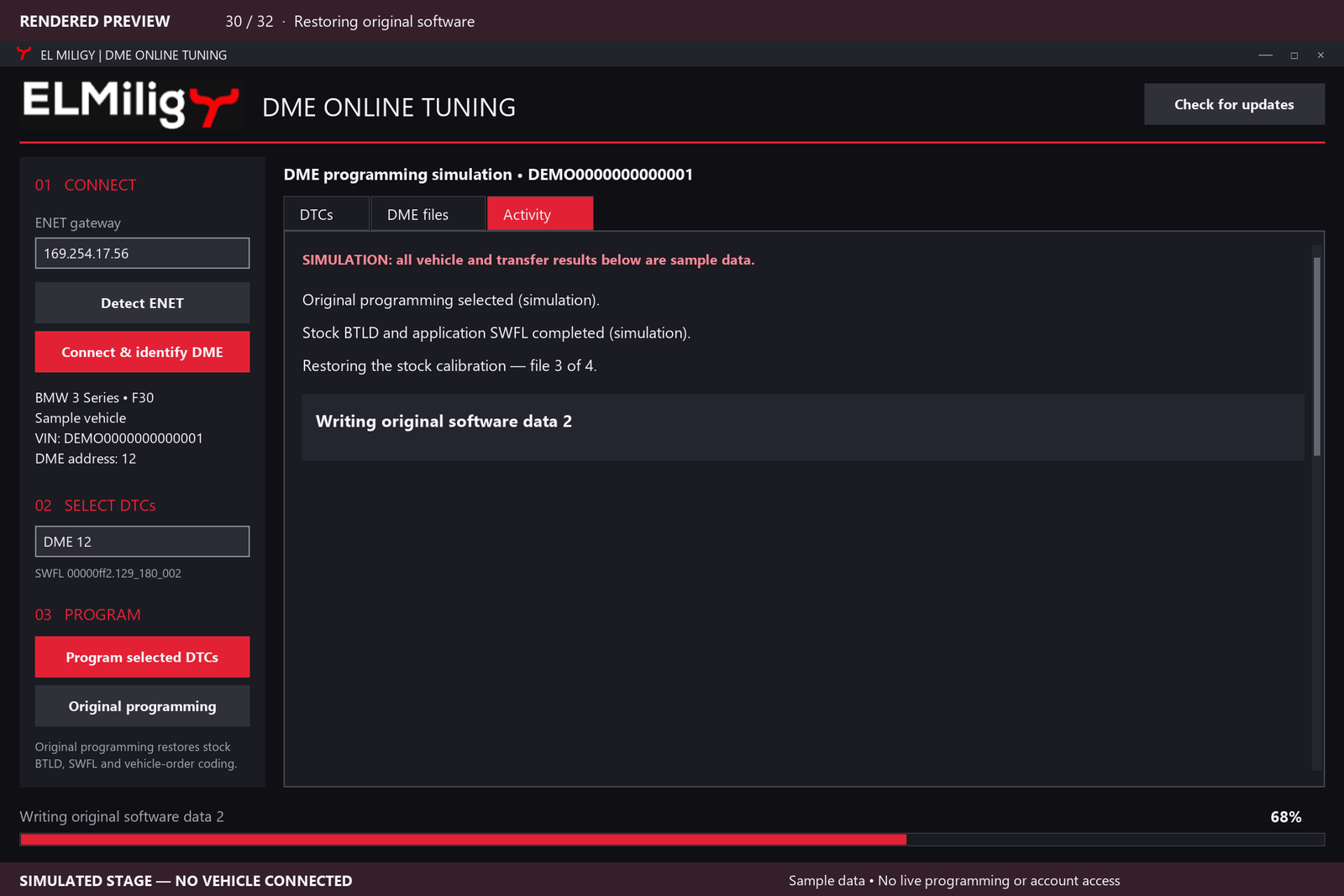
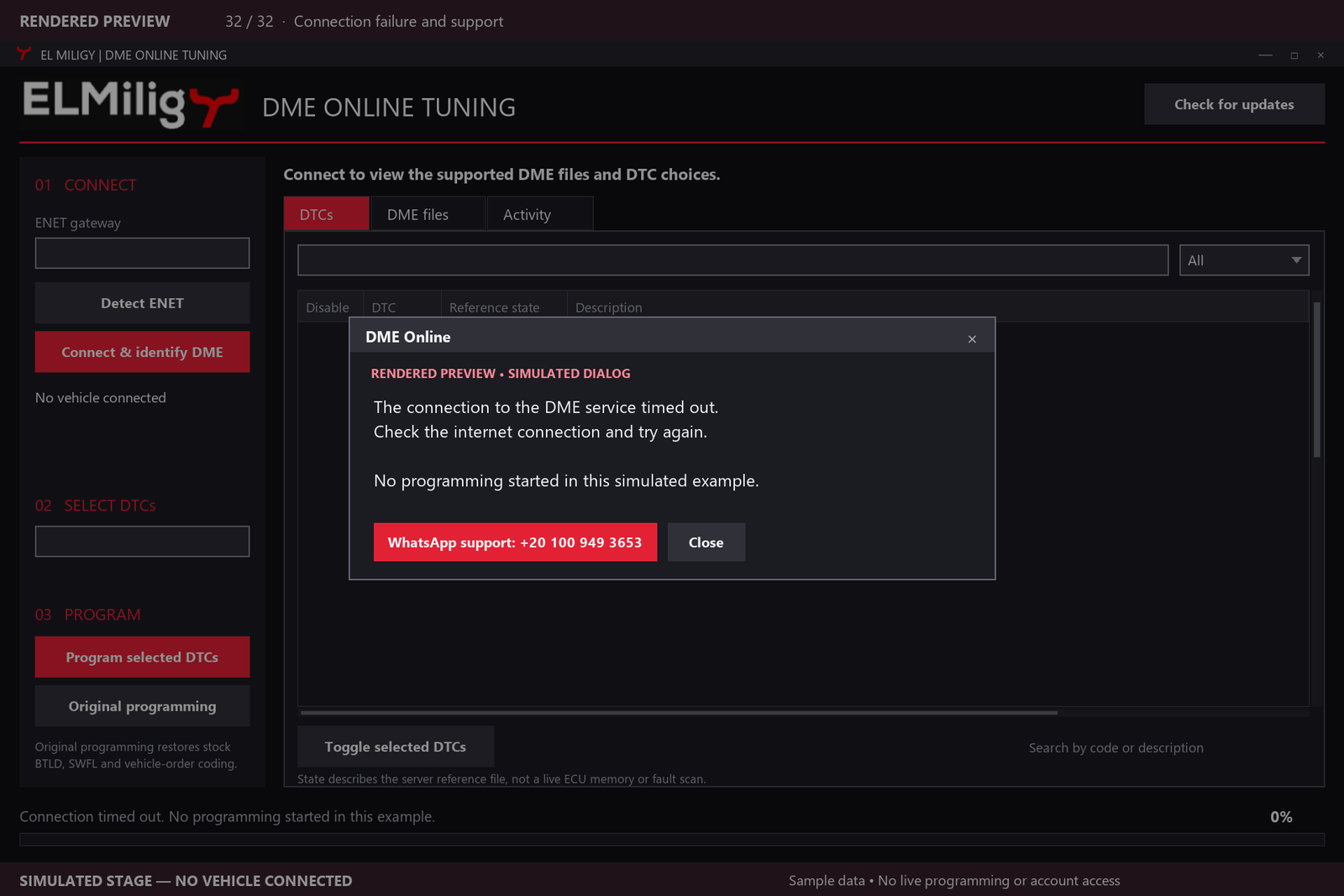
All 32 rendered customer-interface previews. Vehicle details, DTC states, programming progress, results, errors and update offers use simulated example data.
Automatically detects ENET and identifies the connected vehicle and engine ECU.
02
Connection files prepared online
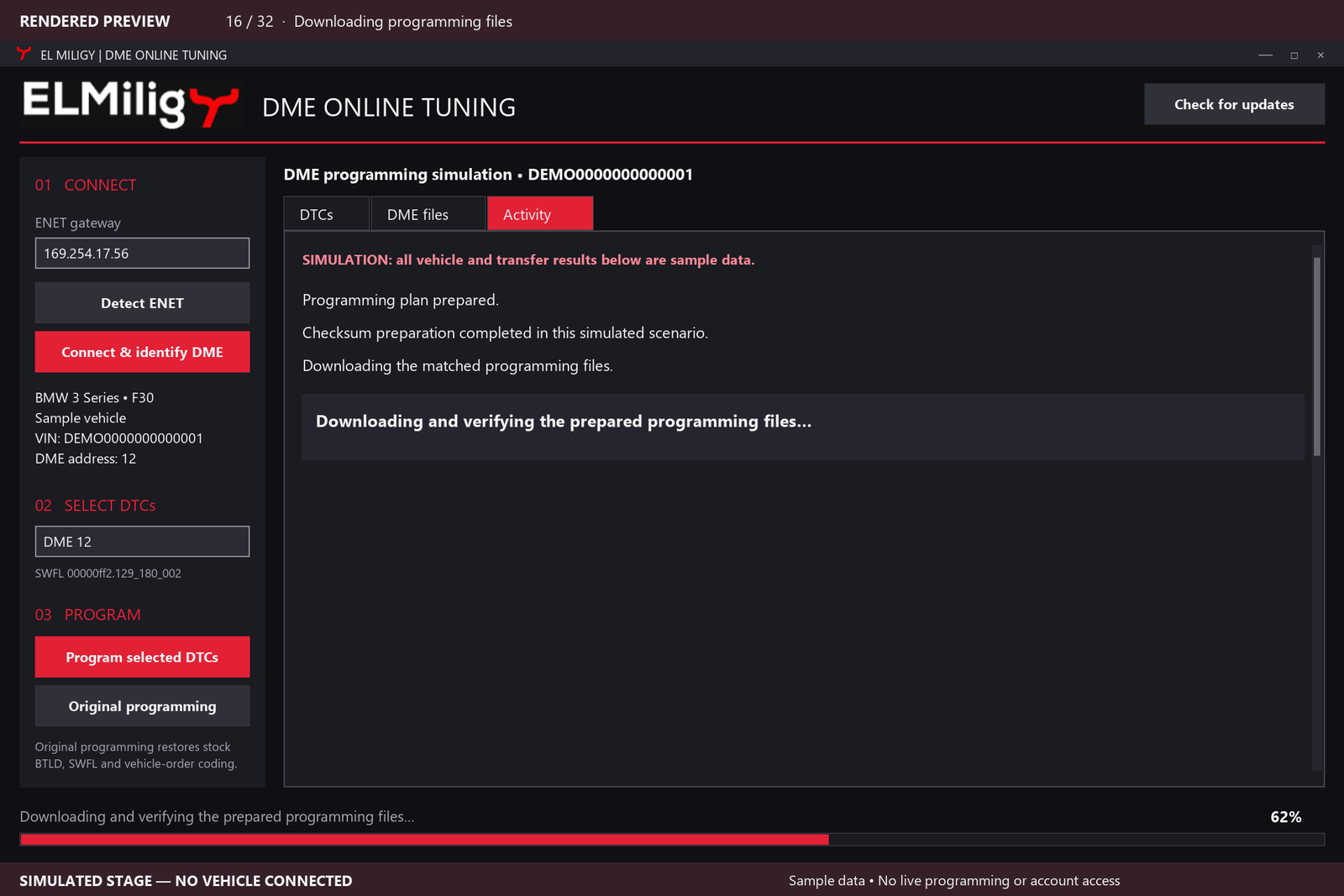
Downloads required connection components after sign-in. Firmware is obtained when needed for programming.
03
Supported DTC choices
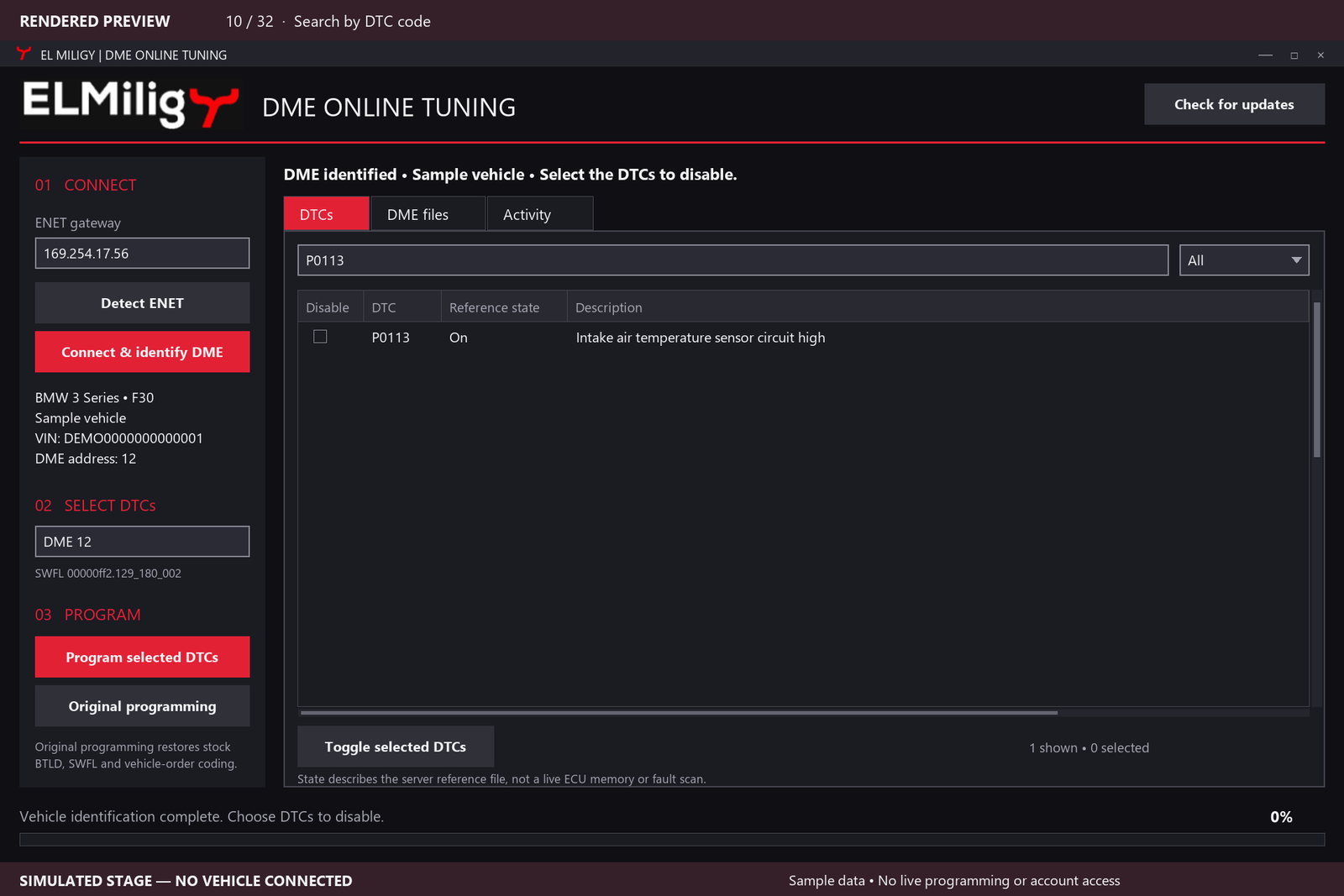
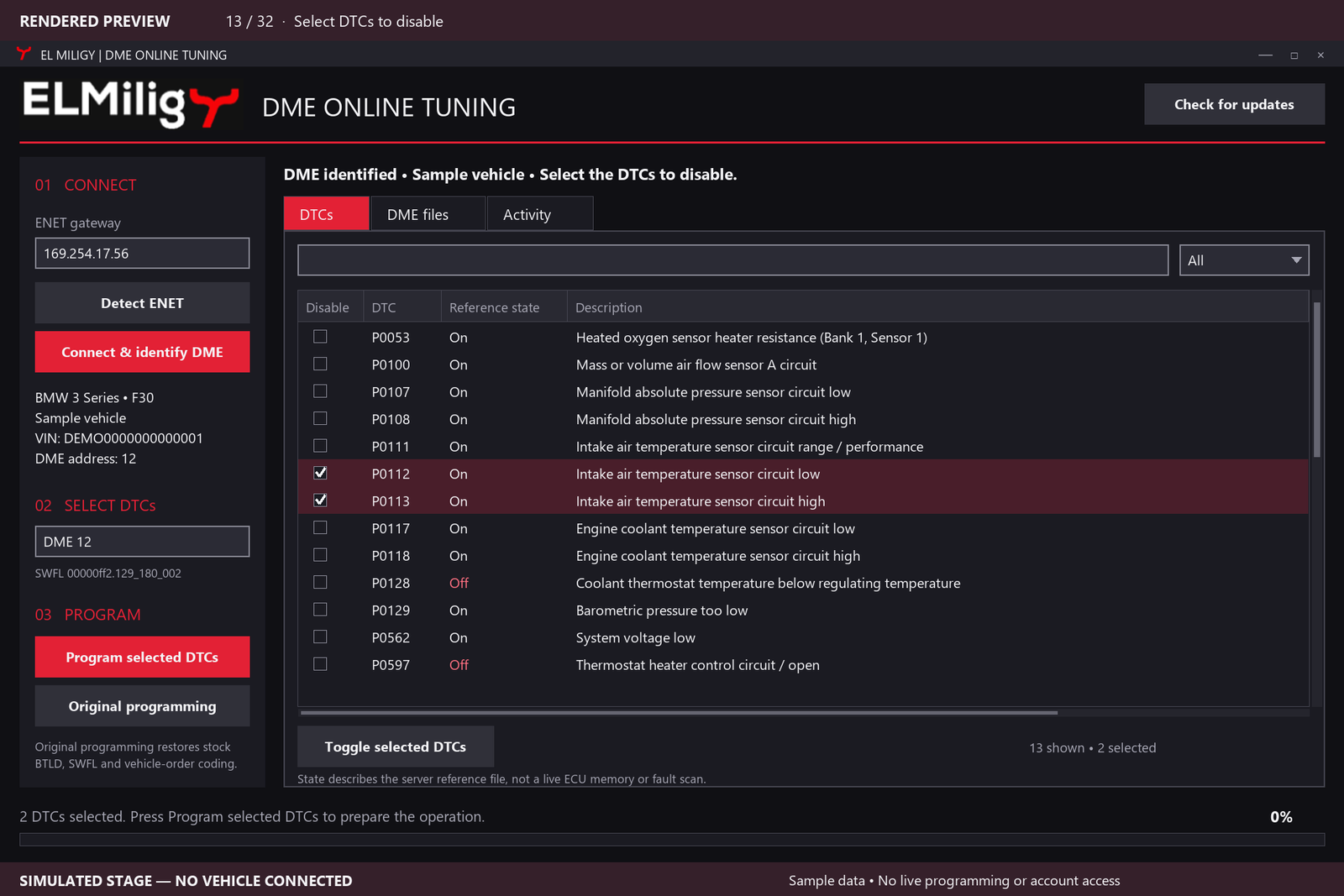
Displays available DTC choices for the identified, supported software. Search by code or description and select individual DTCs.
04
Checksum correction
Automatic checksum correction within the supported programming workflow.
05
Integrated programming
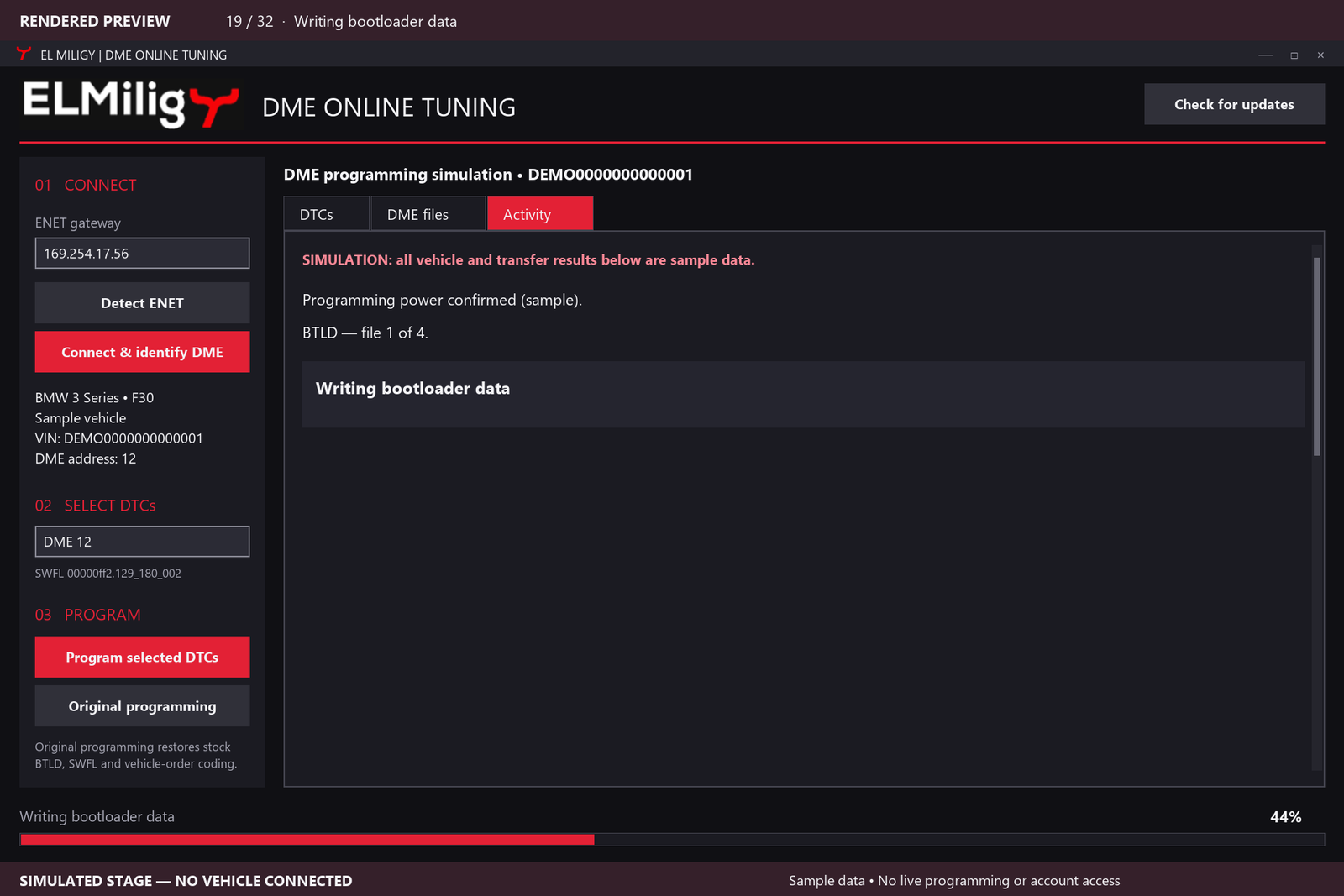
Programs the required bootloader, software and coding data, with progress indicators and descriptions of the current step.
06
Original programming
A separate Original programming option uses compatible stock files.
07
Post-programming operations
Attempts transport-mode removal and whole-car fault clearing. Warnings identify ECUs that need manual attention.
08
Confirmed online updates
Receives online updates, with customer confirmation before installation.
09
PC-linked account & support
Account access is linked to the customer’s PC. Contact El Miligy directly on WhatsApp for support.
How it works
01
Sign in
Let the application prepare the required connection files.
02
Detect ENET
Press Detect ENET, then Connect & identify DME.
03
Identify & check software
The application identifies the vehicle and checks its actual engine software against the database.
04
Choose supported DTCs
Browse the available choices, search by code or description and select individual DTCs.
05
Program selected DTCs
The application prepares the changes, corrects checksums and programs the required files while displaying progress.
06
Review the completion messages
It attempts transport-mode removal and whole-car fault clearing. Follow any warning that calls for manual cleanup.
BMW · ENGINE ECU SOFTWARE
Selected configurations. Exact software checks.
Support depends on the exact engine ECU and software version covered by our database. The application identifies the connected vehicle and checks its actual software before offering available functions.
N20N55N63S55S63
The informational catalogue includes selected petrol variants from these example ranges:
These are examples, not blanket coverage of every variant, model year or DTC. Customers can browse and search the informational vehicle list inside the application without signing in or connecting a car.
Choose your license
Once
One DTC programming credit, assigned to one vehicle.
Disables selected supported DTC reporting in the ECU software, then programs the changes with checksum correction.
Original programming
Programs compatible stock files through a separate option in the application.
Fault clearing
Attempts to remove stored fault records after programming. It does not make a mechanical or electrical repair.
Disabling a DTC changes its reporting configuration; neither disabling nor clearing a code repairs its underlying cause.
Questions before you connect
What do I need to use the application?
A Windows computer with internet, a BMW ENET cable and Ethernet connection or suitable adapter, a stable regulated vehicle programming power supply, and an active DME account for programming.
Can I browse vehicles before signing in?
Yes. The informational vehicle catalogue can be browsed and searched inside the application without signing in or connecting a car.
Does the catalogue guarantee support for my car?
The catalogue contains selected examples. The application identifies the connected vehicle and checks its exact engine ECU and software version before offering available functions.
Can I select individual DTCs?
Yes. For supported software, search the available DTC choices by code or description and select the individual codes you want to disable.
What does the Once license include?
One DTC programming credit assigned to one vehicle. Month and Year provide access for their respective periods. Contact El Miligy for license details and activation.
Is my account linked to my computer?
Yes. Account access is linked to the customer’s PC. Contact support about device or account questions.
What happens after programming?
The application attempts transport-mode removal and whole-car fault clearing. Read the completion messages and follow any warning that an ECU needs manual attention.
How do I get help?
Contact El Miligy on WhatsApp at +20 100 949 3653. Include your model, year, engine, available DME identification details and the message shown by the application.